AI agents for business finance: what they can and can't do
What AI agents can do in bookkeeping, close, collections and compliance today, where a person must stay in charge, and how to judge a product.
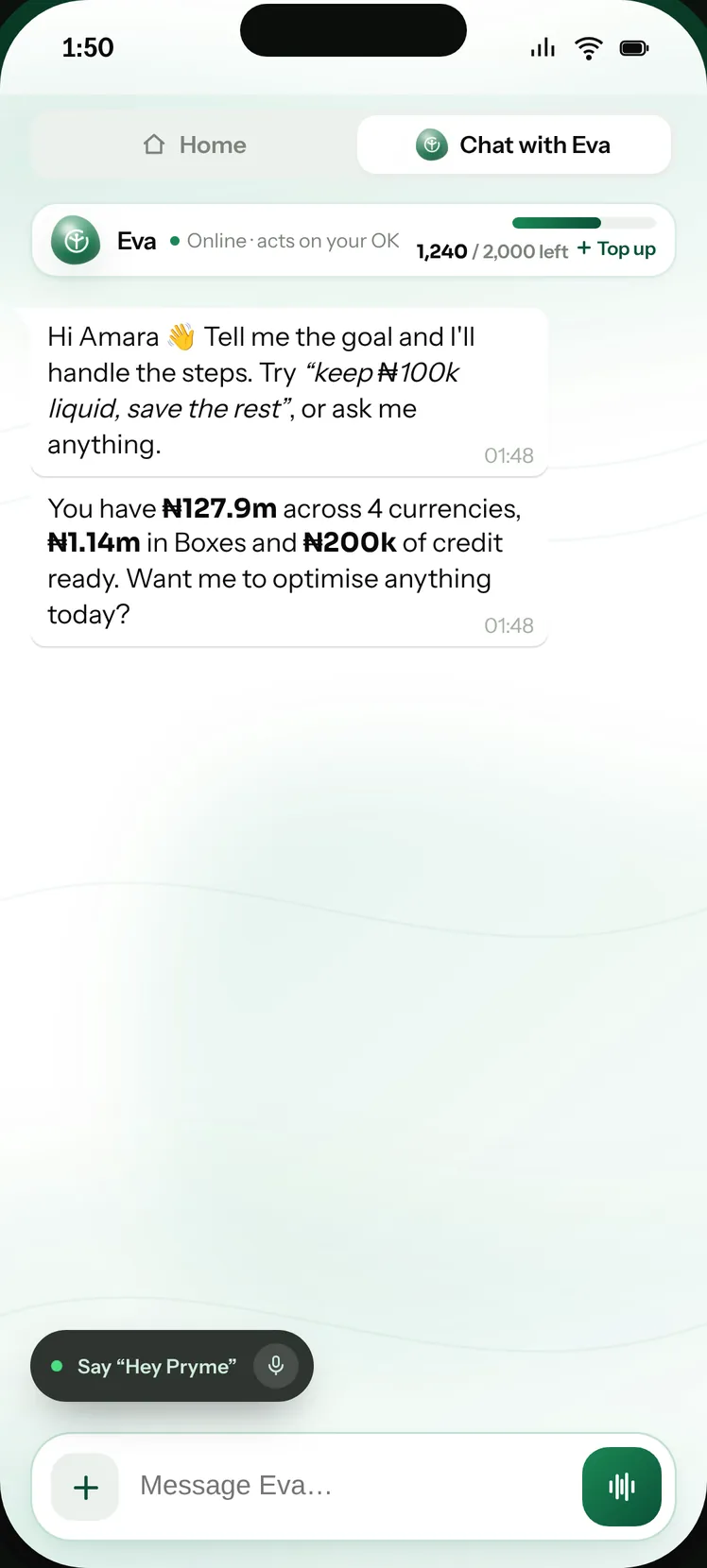
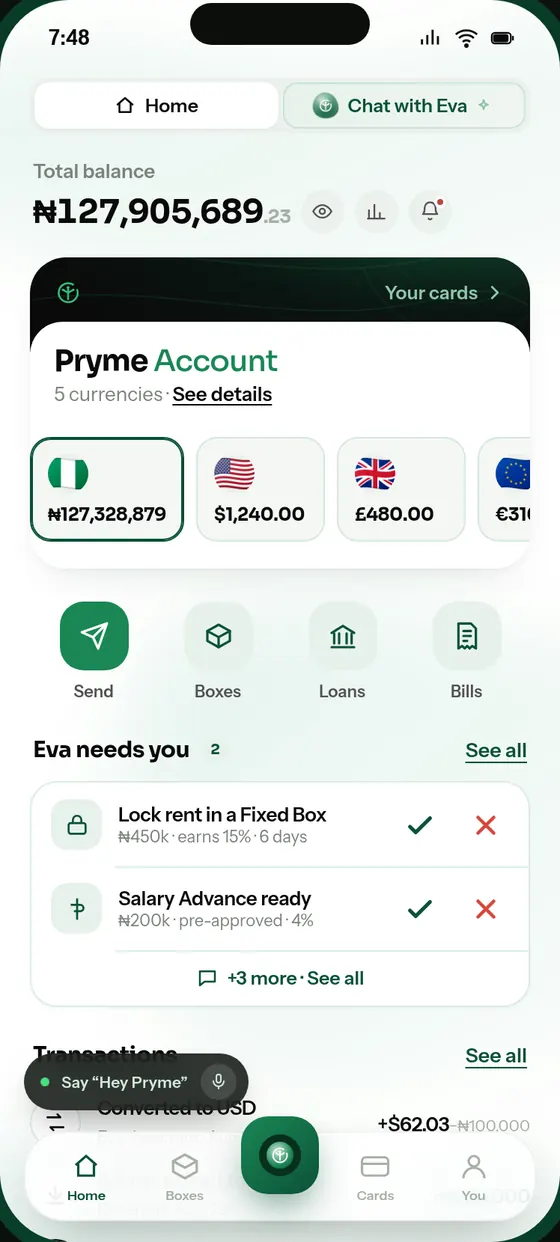
Meet Eva, the assistant inside the Pryme app. She opens accounts, moves money, saves toward your goals and follows up. Nothing leaves your account without your approval.
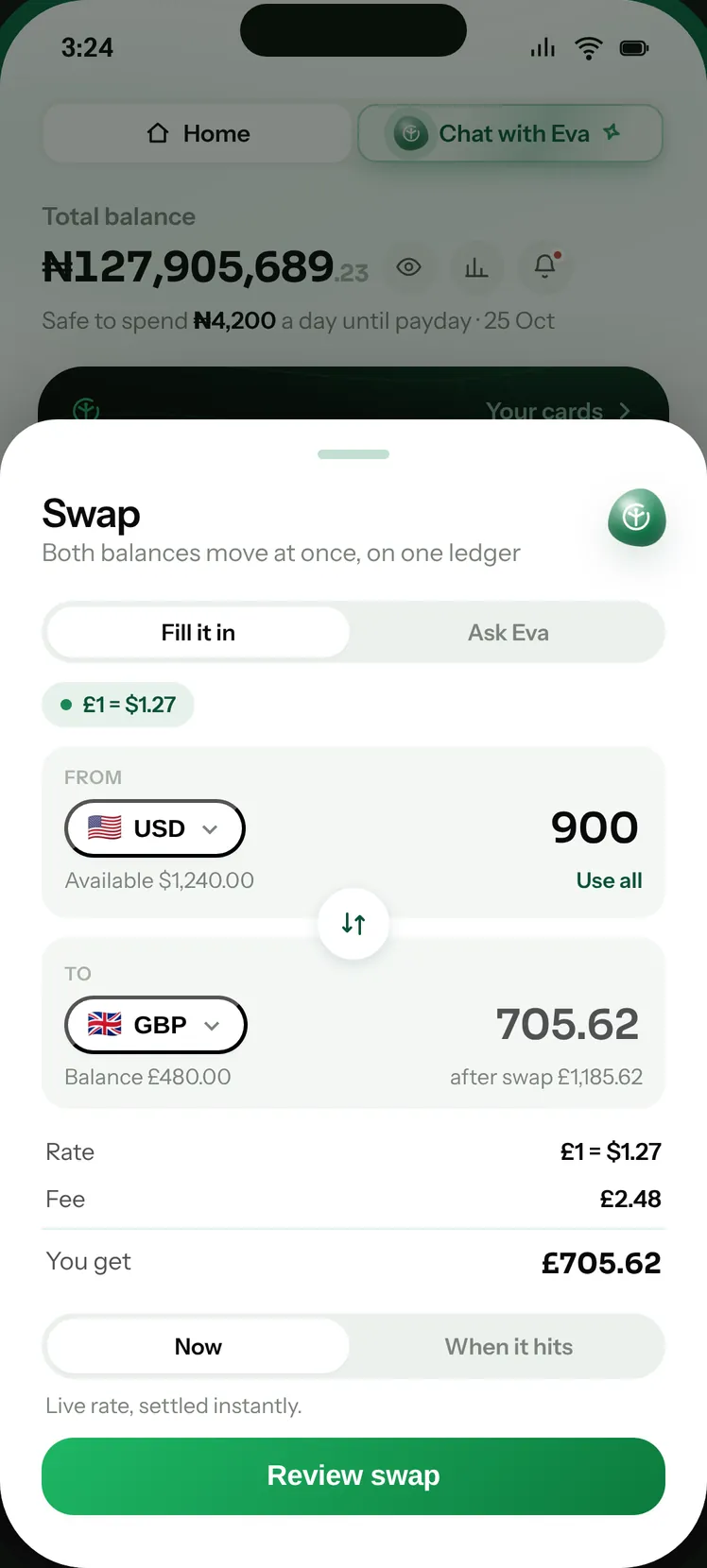
Meet Eva, the assistant inside the Pryme app. She holds dollars, pounds, euros and Naira side by side, swaps at a locked rate, pays bills in any of them and sends anywhere, asking before anything moves.
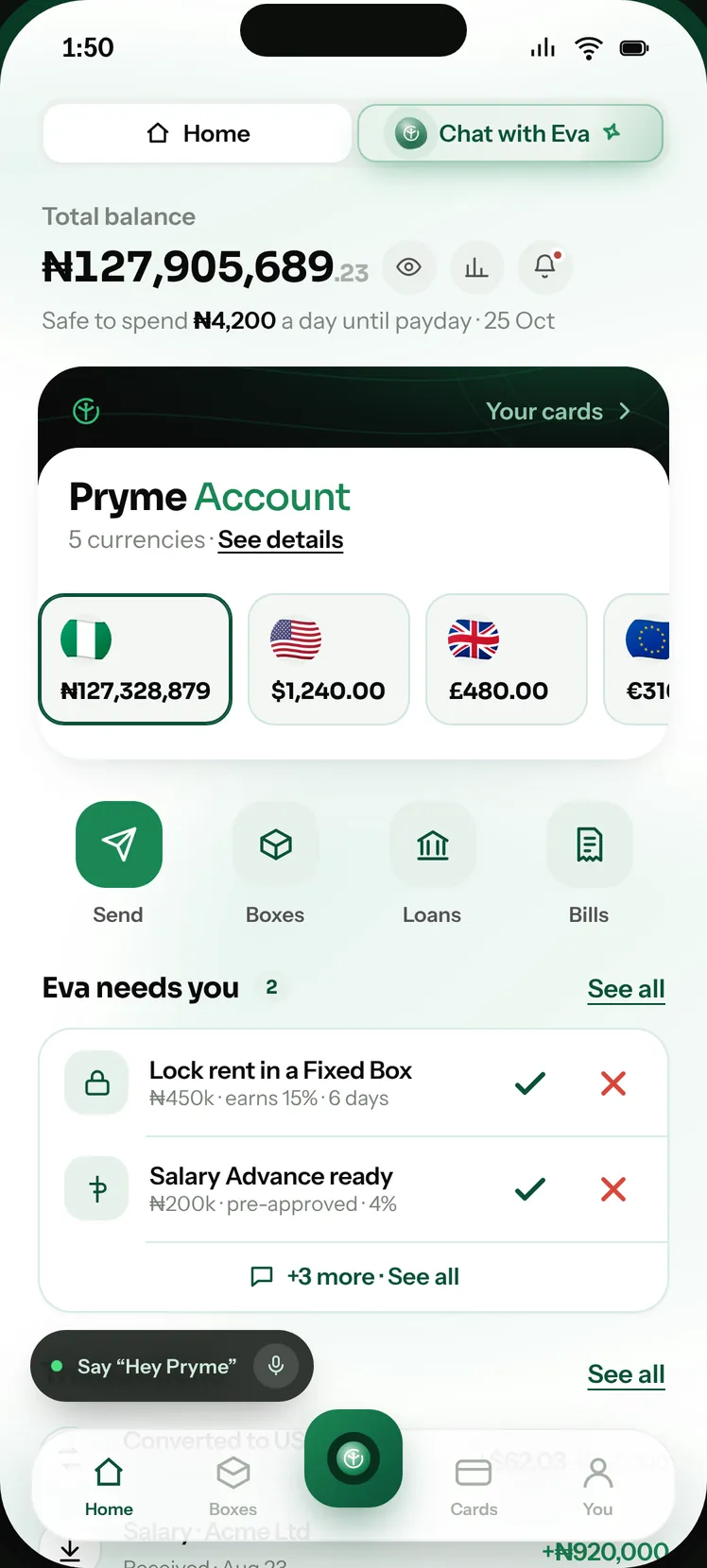
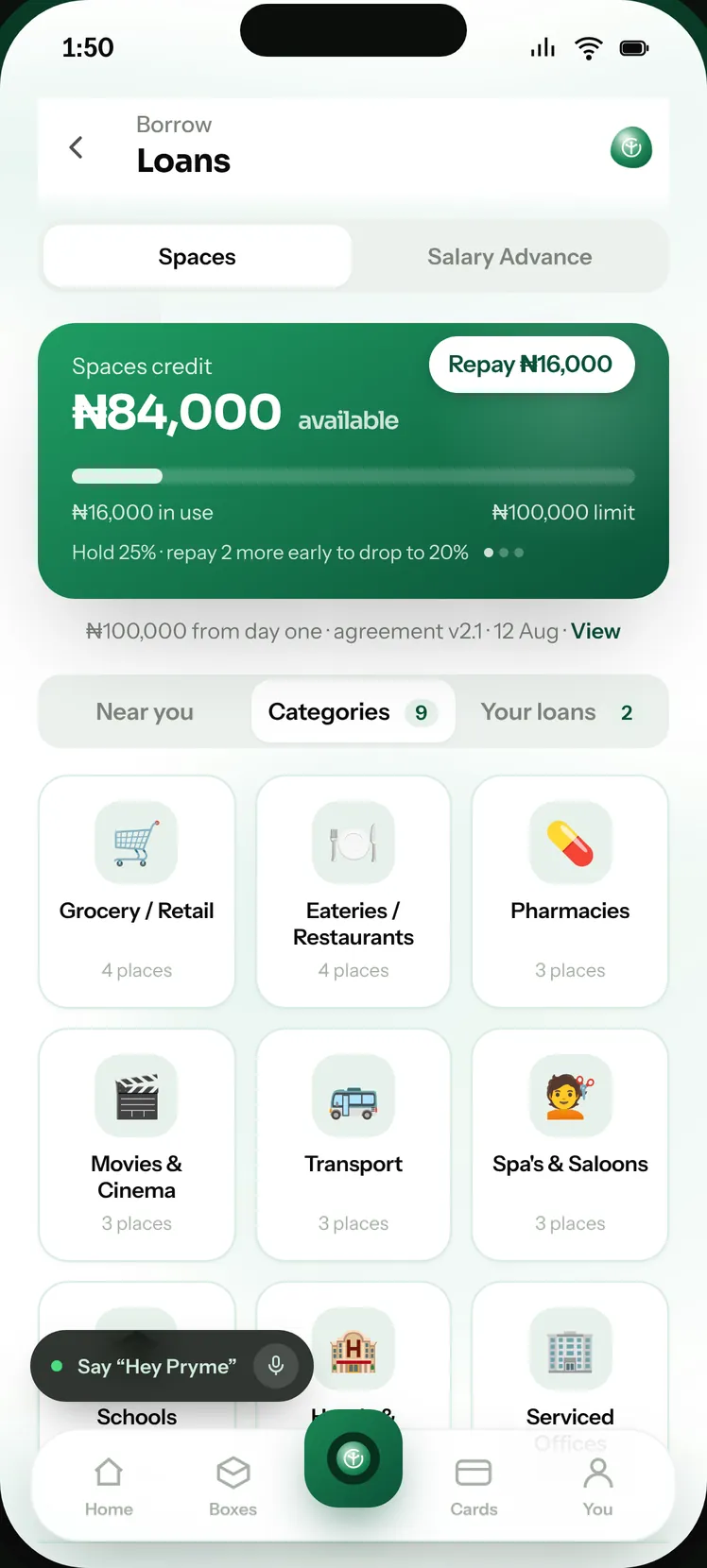
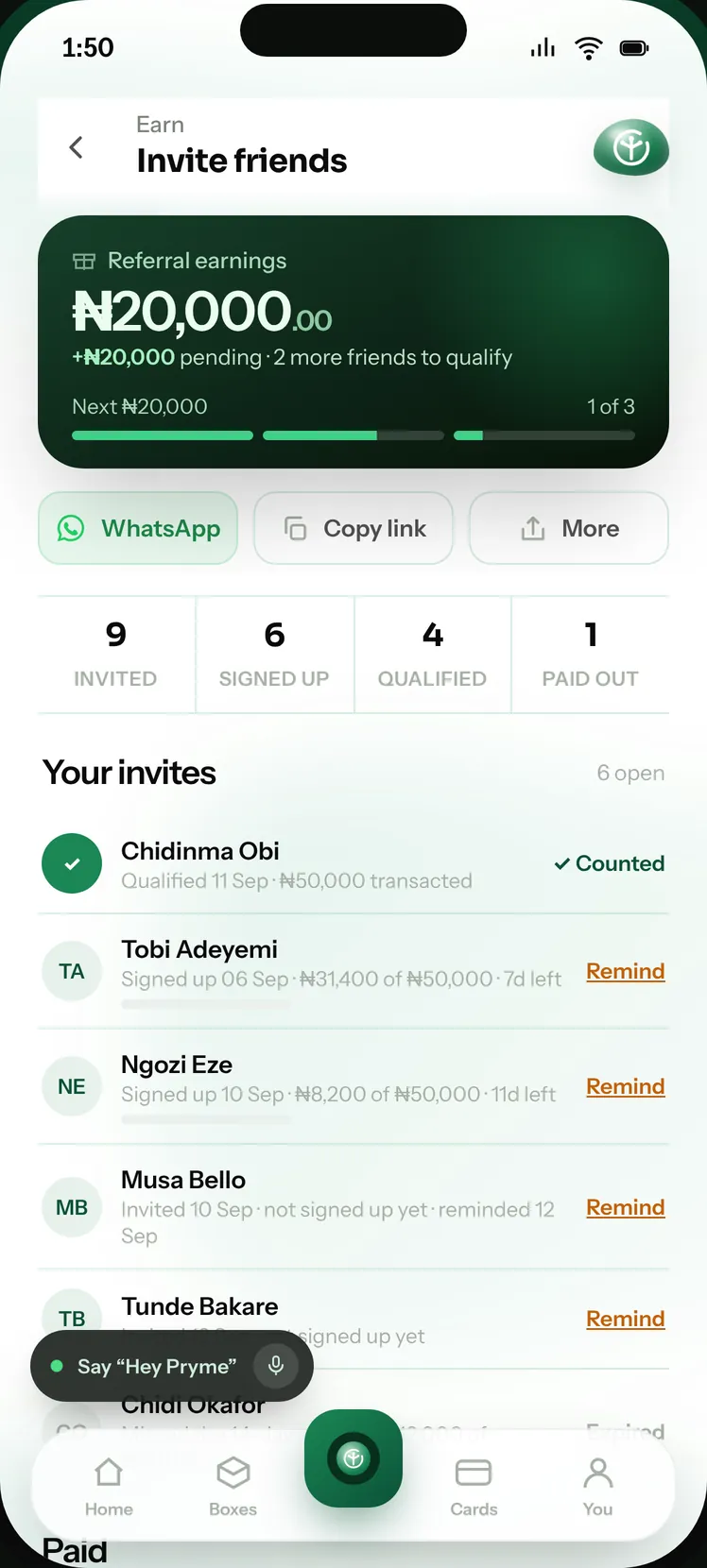
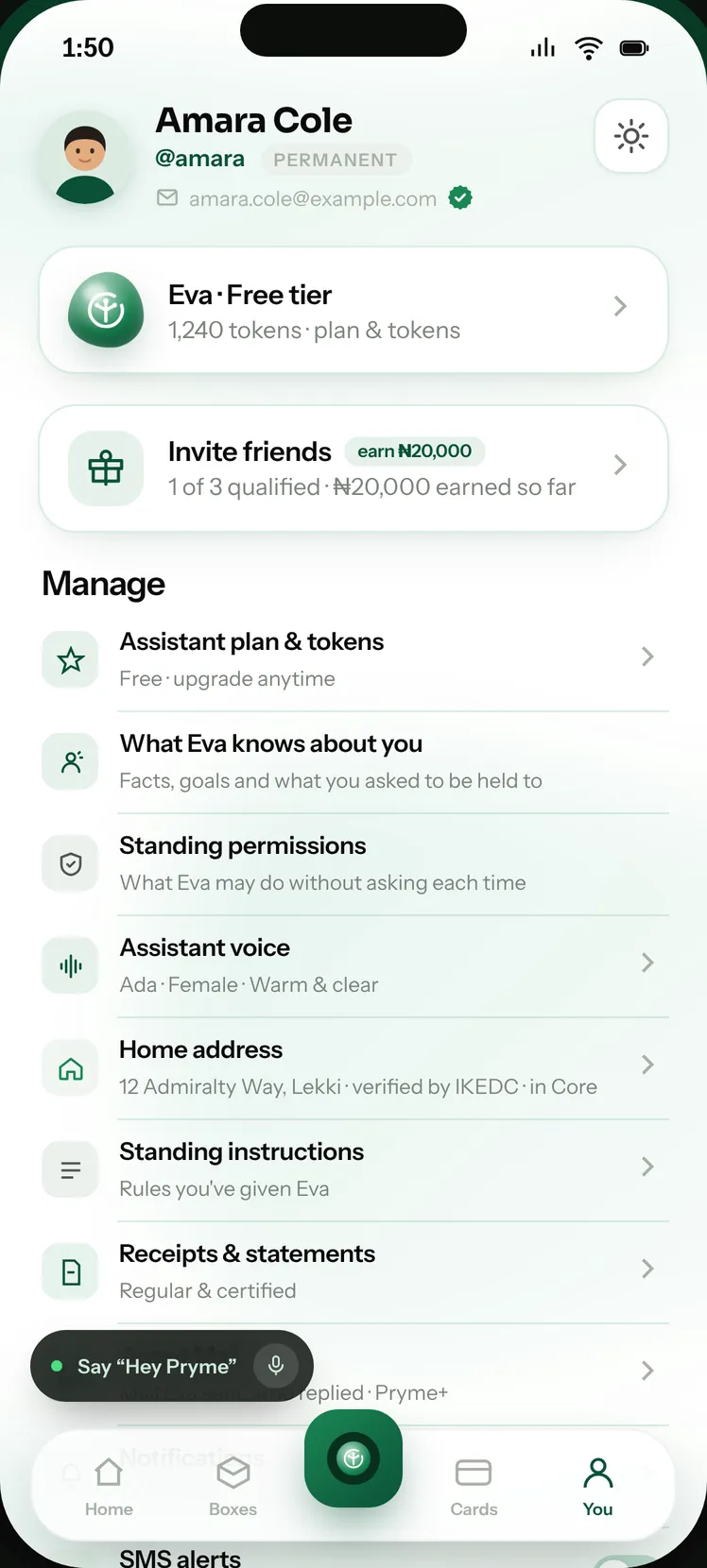
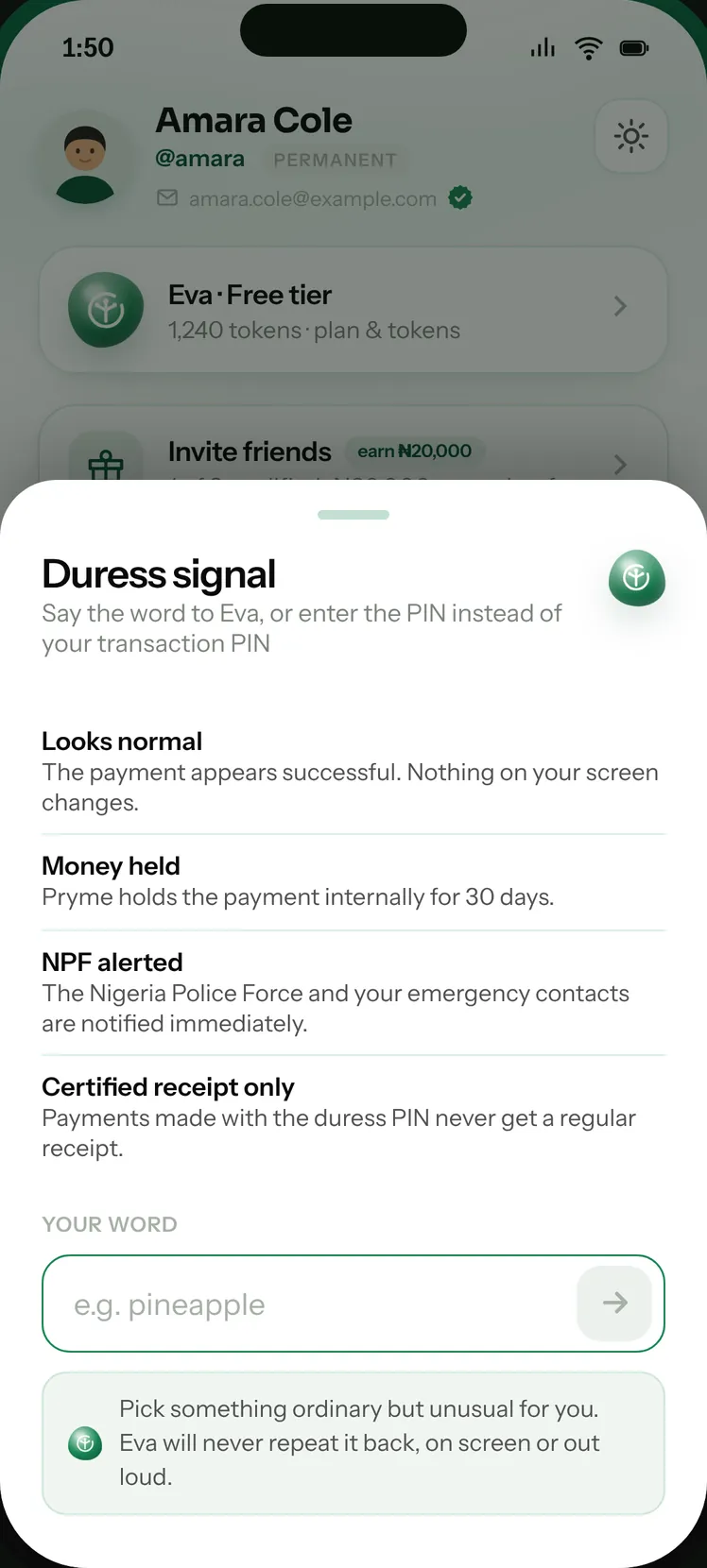
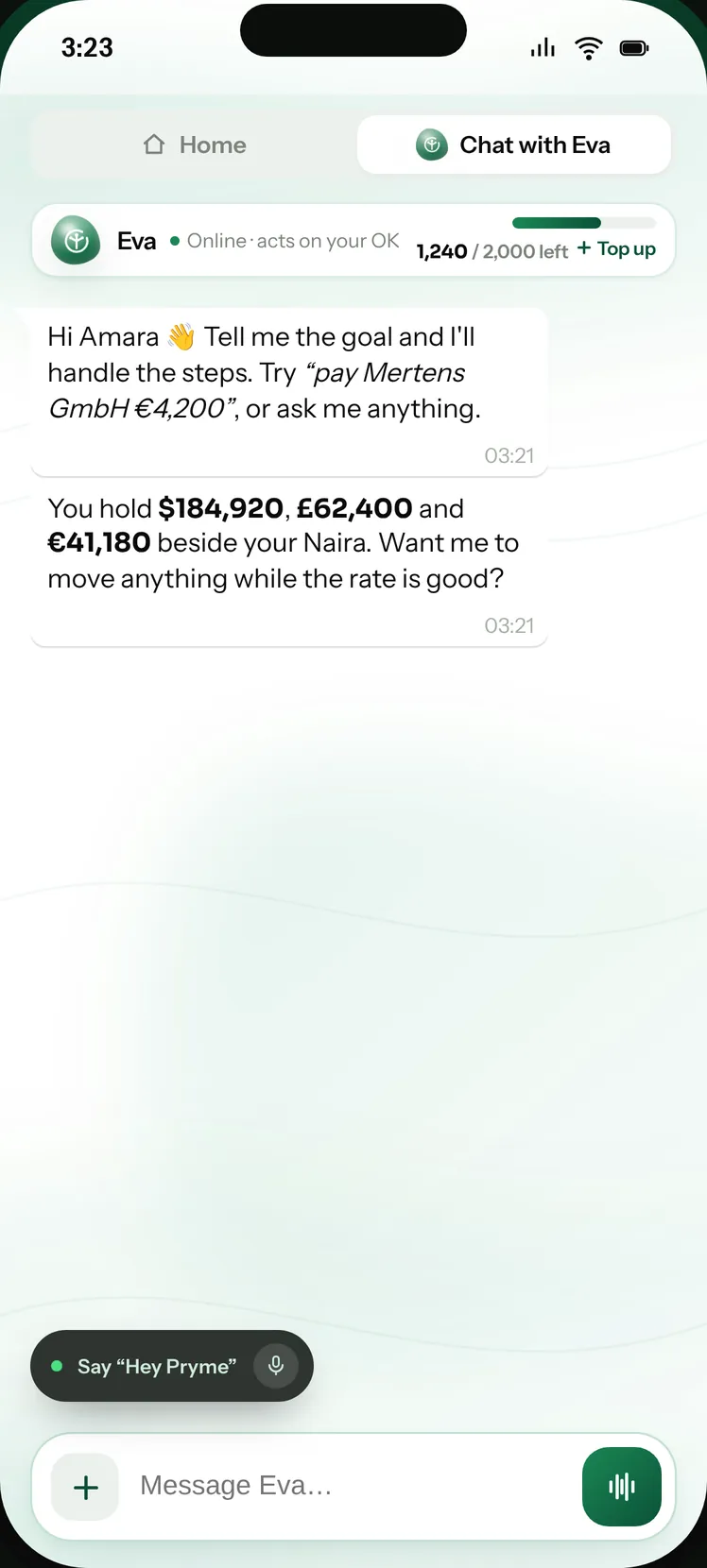
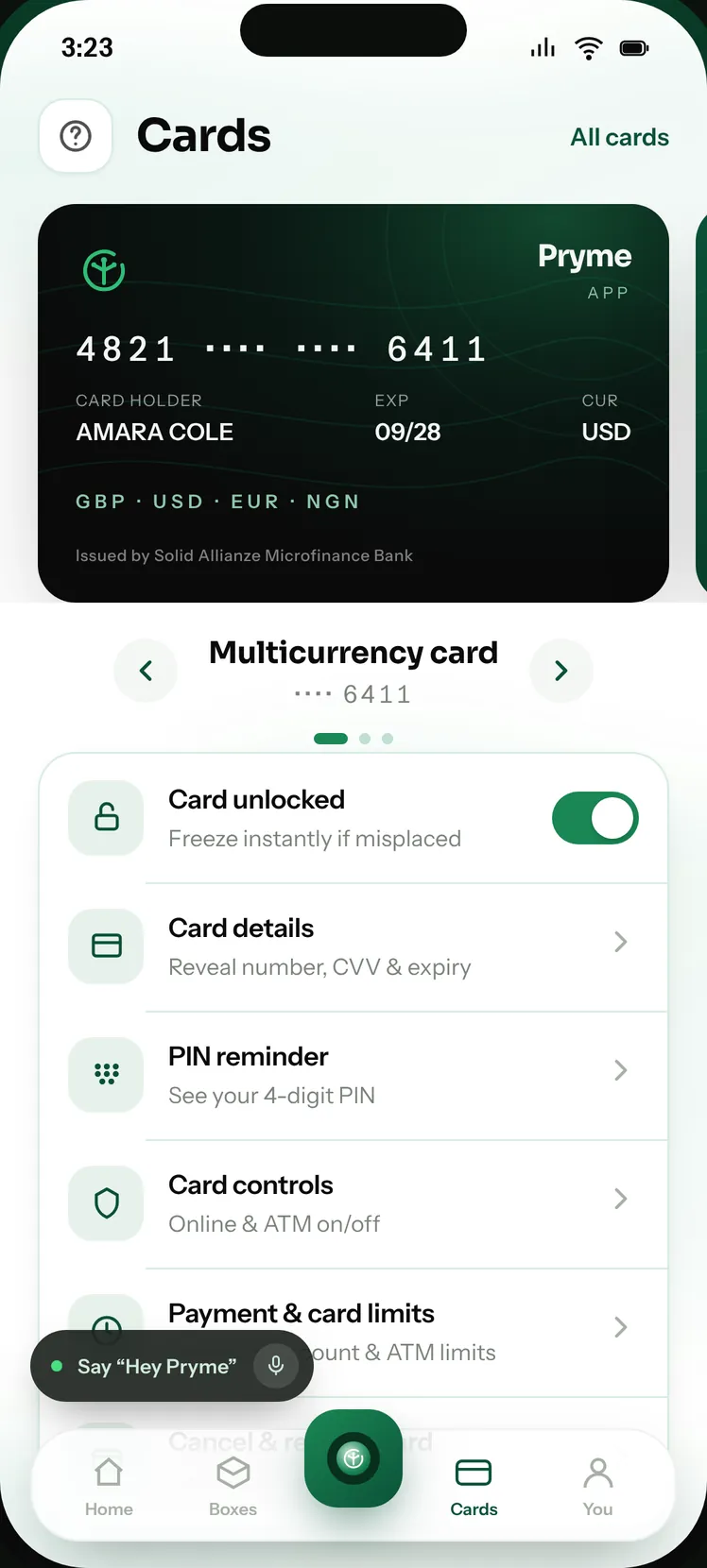
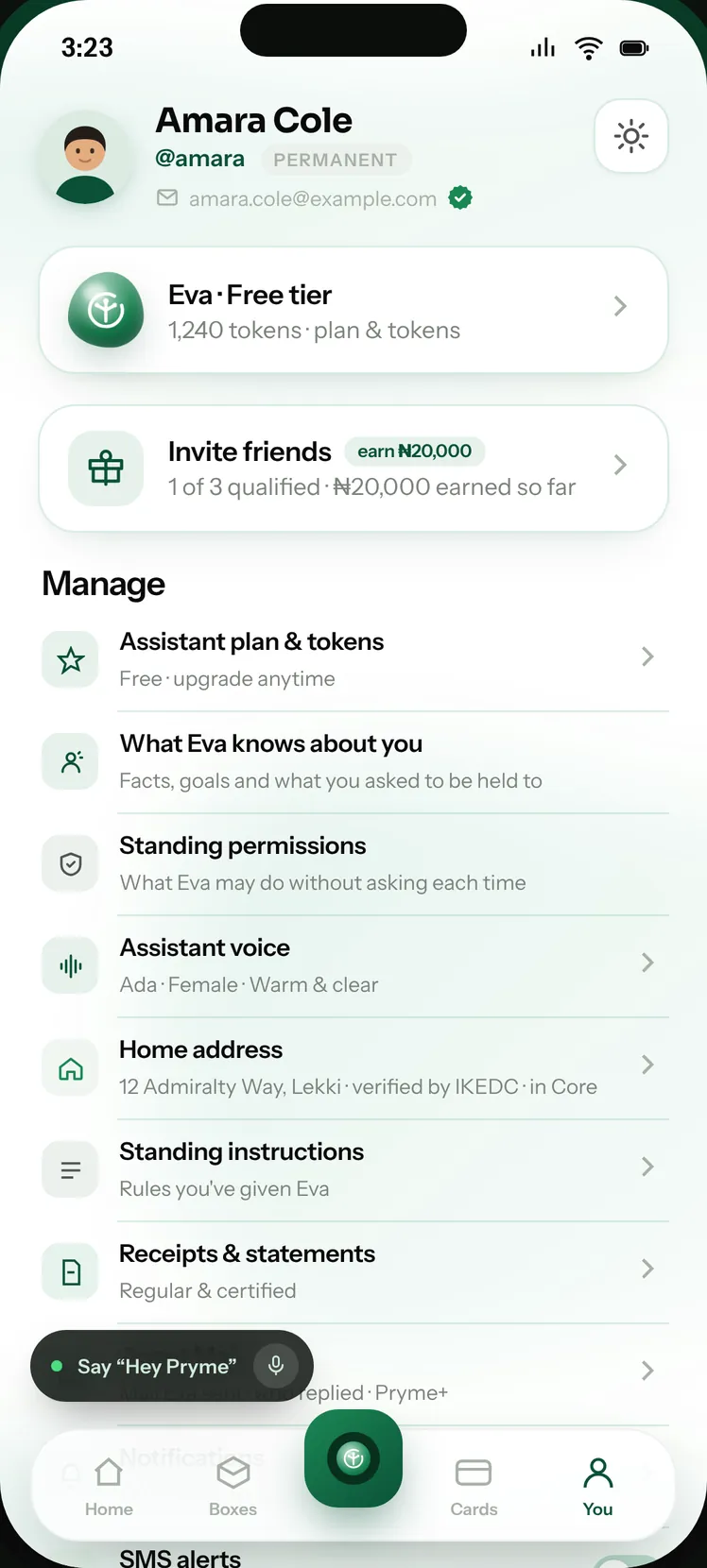
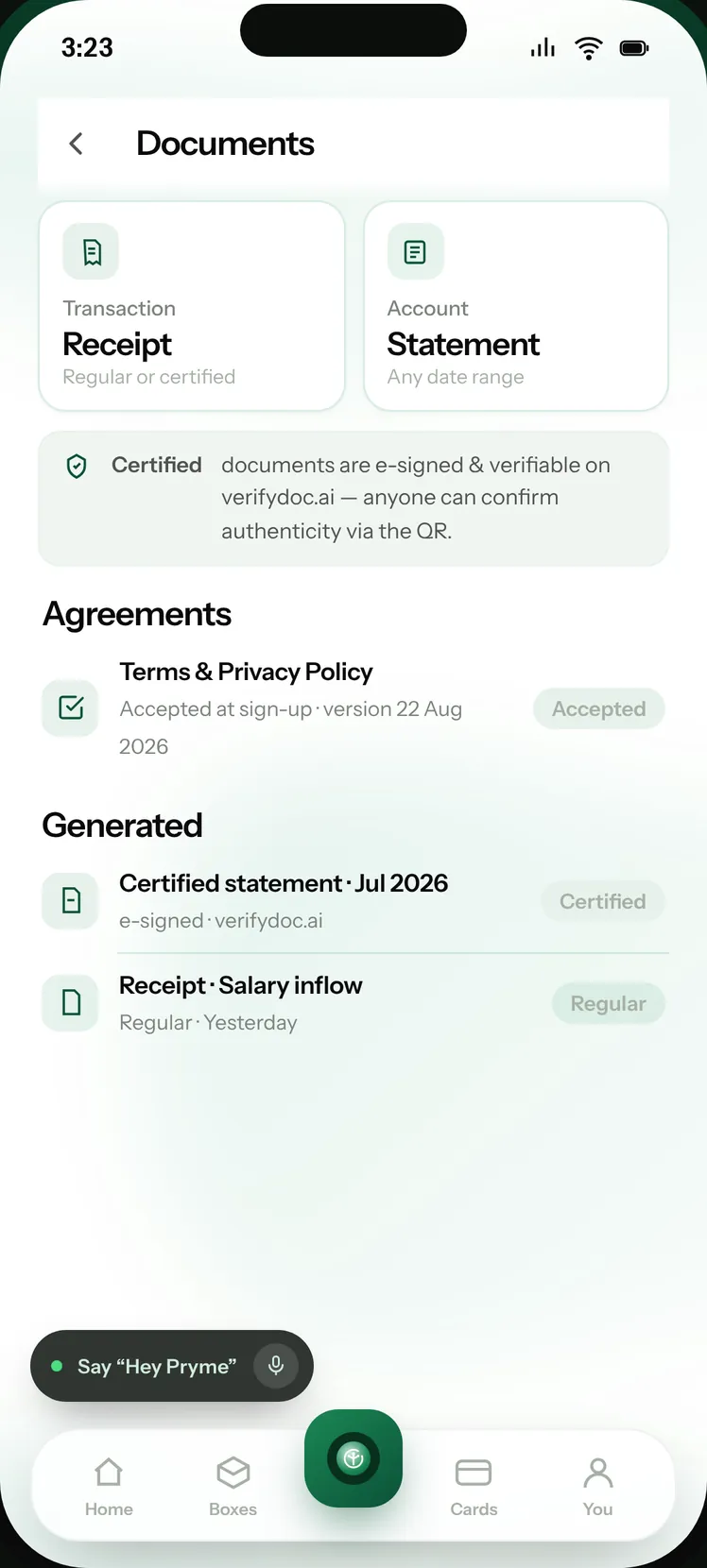
We give you a limit to spend at the shops and services you already use — and an account that works on your month while you get on with it. Dollars, pounds and euros sit beside your Naira, and an assistant handles the running of it, asking you first every single time.
One global account for your money and business. Move across currencies, automate everyday operations and put AI agents to work — with you in control of every important decision.



 Evayour assistant
 DanielChief of Staff
 BenFinance
 BruceCare
Your competitor down the road sells the same thing you sell. The difference is who walks in. We put money in people’s hands that can only be spent in businesses like yours — and then we point them at you.
You are not borrowing. You are selling to somebody who already has the money — and that money can only be spent with a business like yours.
₦100,000 from day one · agreement v2.1 · 12 Aug · View
Eva waits for your rate and asks before she moves anything.
No card, no OTP, nothing for the buyer to type in. They transfer from the bank app they already use, and the money lands in the same account your agents are running — already matched to the order, already in your books.
We give the buyer a one-time account number. They transfer to it from any bank app or by USSD — no card, no OTP, nothing to type in.
Get the account numberTo this account, from any bank app. We watch it, and the page updates itself.
₦26,767.50 from GTBank · John D., matched to order ORD‑1042.
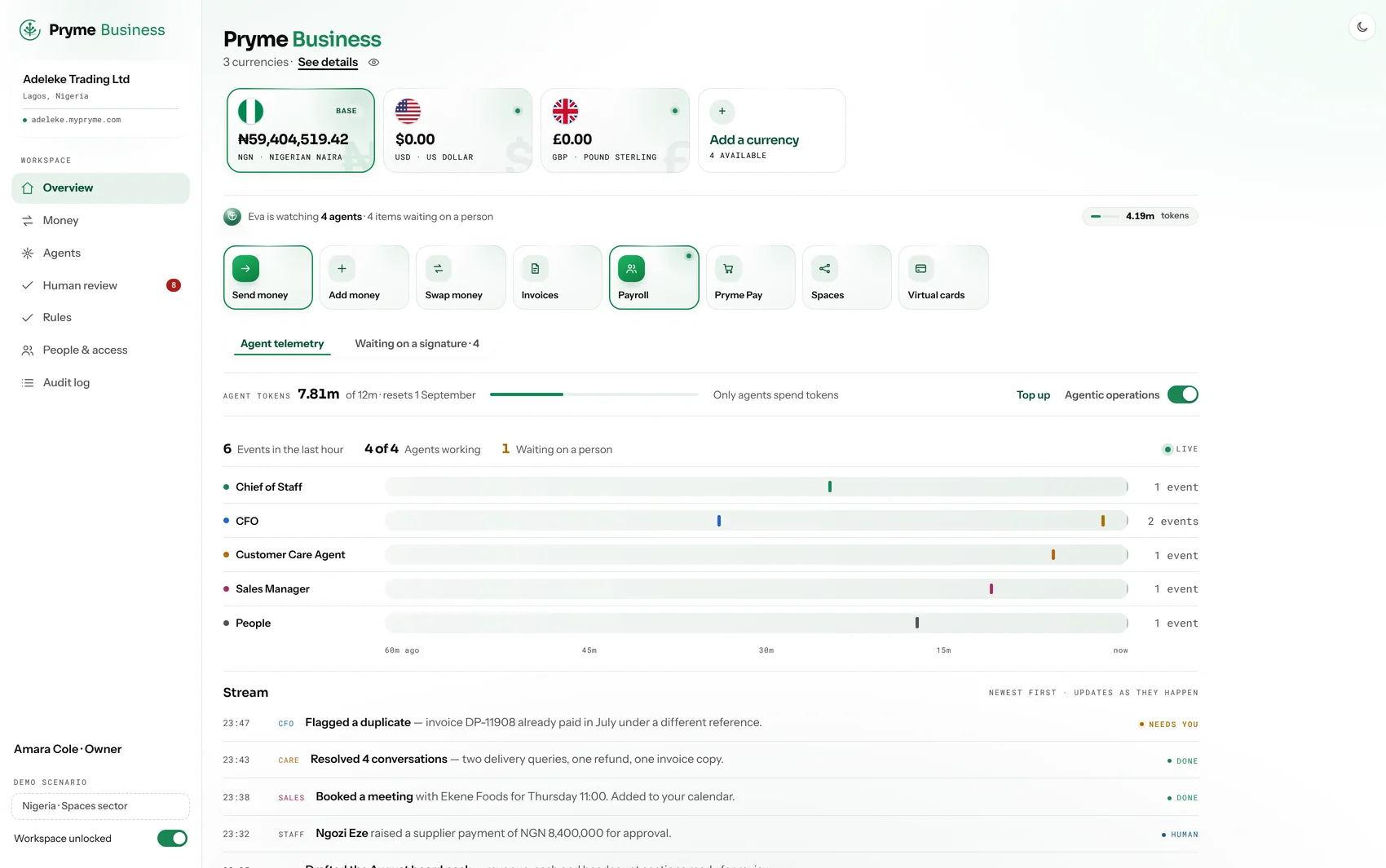
Five agents come with the account. Each one has a job description, a budget and a ceiling you set. They do the work and bring it to you — nothing leaves the account without your signature.
Knows what is stuck, who is waiting and what you promised — and keeps all three moving.
Booked a meeting with John Doe Foods for Thursday 11:00.Keeps the books as you trade and tells you the moment something does not add up.
Flagged a duplicate — invoice DP‑11908 was already paid in July.Holds every filing to its own clock and screens names and payments against your policy — and logs what it refuses.
Screened 412 payments overnight and refused two of them.Goes back to the buyers who went quiet, with the receipt already attached.
Recovered ₦410,000 across three overdue invoices.Replies, follows up on what they asked for and hands you only the ones that need you.
Resolved 4 conversations — two deliveries, one refund.Issue a dedicated Naira account number to each of your own customers, collect into it and reconcile against it. The same rails the Business Account runs on, with the licence behind them.
Dollars, pounds and euros beside a Naira account, on one ledger and one set of books. Five agents come with it and run the account — nothing leaves without your signature.
Five agents come with the account. Each has a job description, a budget and a ceiling you set. They do the work and bring it to you — they propose, you approve.
Knows what is stuck, who is waiting and what you promised, and keeps all three moving.
Booked the quarterly review with your auditor for Thursday.Keeps the books in every currency you hold and flags the moment something does not add up.
Flagged a duplicate — invoice DP‑11908 was already paid in July.Holds every filing to its own clock and screens names and payments against your policy — and logs what it refuses.
Screened 412 payments overnight and refused two of them.Goes back to the buyers who went quiet, with the invoice and the receipt already attached.
Recovered $12,400 across three overdue invoices.Replies, follows up on what they asked for and hands you only the ones that need you.
Resolved 4 conversations — two deliveries, one refund.The business has changed shape four times and never changed what it was rooted in. Each version was built out of what the last one could not do.
An online grocery store, built out of a faulty tab. Selling the food was the easy part — taking the money for it, and moving it, turned out to be the business.
A prepaid card. The first time the company issued rather than resold, and the first time it carried the obligations that come with holding somebody else’s money.
Solid Allianze acquired — an existing bank with an existing licence. The perimeter stopped being someone else’s to draw.
More than one currency on one balance, and the rebrand to Pryme. A Nigerian business could hold dollars without holding a second institution.
Accounts that do the work rather than only hold value. Five agents on the account, inside a policy you write — which is where the new mark starts.
Pryme is a financial technology company. It gives people and businesses in Nigeria one account that holds Naira alongside dollars, pounds and euros, and a set of agents that do the running of it — keeping the books, chasing what is owed, answering customers and paying bills. Nothing leaves an account without the owner’s approval.
Yes. A Pryme account holds Naira, US dollars, pounds sterling and euros side by side on one ledger, each with its own account details — a Nigerian account number, a US account number, a UK sort code and an IBAN for the euro area. You can swap between them at a rate you set, and every currency has its own statement.
Spaces is available in Nigeria. It gives a shopper money to spend that can only be spent with a participating business. The business is paid into its Naira account whether or not the shopper repays, because Pryme carries the credit. For the business it is free to join, there is nothing monthly, and the customer’s identity is never shown — only a reference and what it is worth.
Five agents come with the account. The Chief of Staff runs the week and keeps what is stuck moving. Finance watches the money and keeps the books as you trade. Compliance keeps the filings on time and screens what moves. Sales chases what you are owed. Customer Support answers your customers and follows up. Each has a job description, a budget and a ceiling you set, and each one proposes rather than acts — nothing leaves the account without your signature.
Pryme Pay takes payments on your own site or on a checkout page you control. The buyer is given a one-time account number and transfers to it from any bank app or by USSD — no card, no OTP, nothing to type in. The money lands in the same account your agents are running, already matched to the order and already in your books.
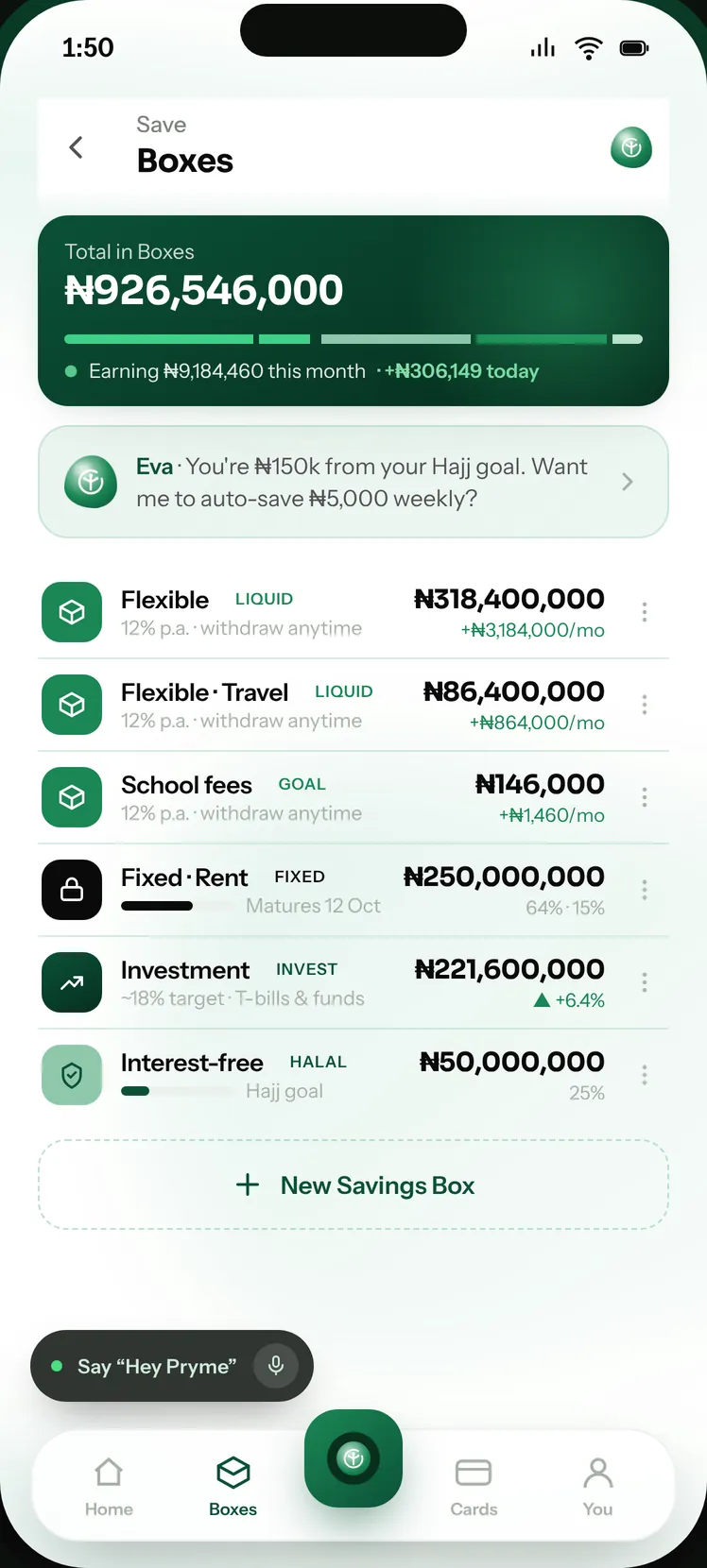
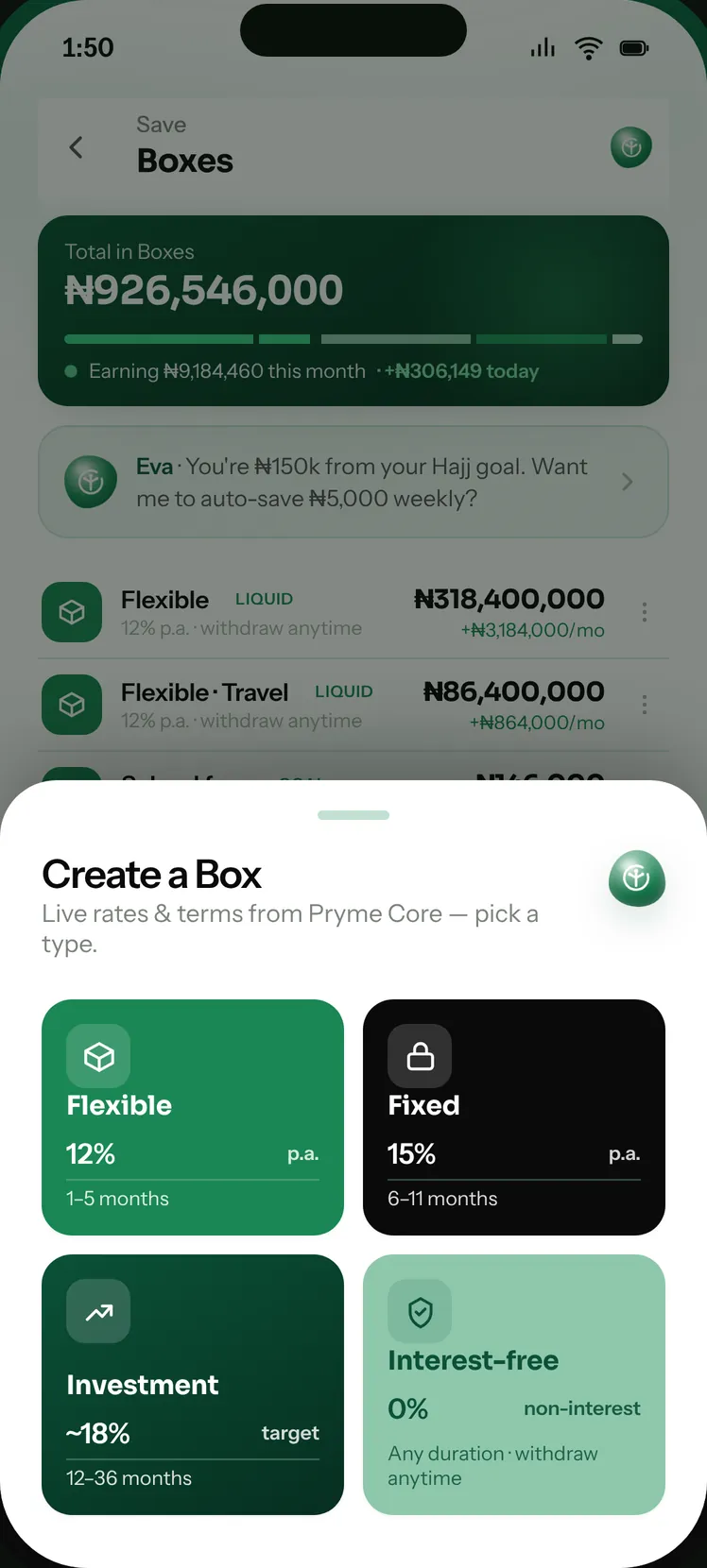
Savings Boxes are separate pots inside a Pryme account, held in Naira. Flexible Boxes can be withdrawn at any time, Fixed Boxes hold to a date, Investment Boxes hold for longer, and Interest-free Boxes earn nothing by design. A business can use them to ring-fence payroll and the tax it withholds, so that money cannot be spent by accident.
Pryme is a financial technology company, not a bank. Accounts and deposits are provided by Solid Allianze Microfinance Bank Limited, which is licensed by the Central Bank of Nigeria and is a member of the Nigeria Deposit Insurance Corporation.
Yes. Pryme Rails lets a platform issue a dedicated Naira account number to each of its own customers, collect into it and reconcile against it, over one API — the same rails the Pryme Business Account runs on.
Pryme is a financial technology company. It gives you one account that holds US dollars, pounds sterling and euros beside Naira, with an assistant that runs the account for you and asks before anything moves. Accounts are provided in Nigeria today, and further markets open as each licence lands.
Accounts are provided in Nigeria today, subject to verification and approval. Foreign-currency balances are held and converted inside that account, so you can hold, receive and swap dollars, pounds and euros wherever you are.
Naira, US dollars, pounds sterling and euros, side by side on one ledger. Each has its own details — a Nigerian account number, a US account number, a UK sort code and an IBAN for the euro area — and each has its own statement.
Swap at a rate you set rather than the rate of the day, then send to any Pryme username or to a Nigerian bank account. There is no fee to send to another Pryme account.
Eva is the assistant inside the Pryme app. She opens accounts, moves money, saves toward your goals, pays what is due and follows up what is owed to you — and asks you before anything moves.
Pryme Rails lets a platform issue a dedicated Naira account number to each of its own customers, collect into it and reconcile against it, over one API — the same rails the Pryme Business Account runs on.
Notes on money that does the work: what we are building, what the regulation actually says, and how we think about letting software act on money. Read the Ledger
What AI agents can do in bookkeeping, close, collections and compliance today, where a person must stay in charge, and how to judge a product.
How multi-currency business accounts work: local details vs SWIFT, payment rails, the real cost of FX, safeguarding vs deposit protection, and hedging.
How UK, US, Canadian and European firms pay Nigerian suppliers and get paid by Nigerian clients: FX, Form A and M, tax, compliance and payout routes.
What it really costs to send money to Nigeria from the UK, US, Canada and Europe: fees, exchange-rate margins, CBN naira rules, BVN, speed and scams.
What AI can and cannot do in day-to-day bookkeeping, how much time it saves on real numbers, and which jobs must stay with you or your accountant.
A KCT updates the security keys in your prepaid meter so it can accept new tokens again. How to request one from PHED and the order to enter it.
A key change token (KCT) is a special code, usually issued as more than one token, that updates the encryption keys inside a prepaid meter so it can accept tokens generated under PHED's current keys. You request it from PHED with your meter number, enter the KCT tokens in the order given, and then enter your normal credit token. We found no published PHED charge for a KCT, and you should never pay a stranger for one.
Nigerian prepaid meters use the Standard Transfer Specification (STS). Every token you buy is encrypted for your specific meter, using keys that the DisCo's vending system and the meter both hold. When the DisCo changes those keys, a meter still holding the old ones will reject new tokens. The key change token carries the new keys into the meter. Once loaded, normal tokens work again.
For the basics of how tokens are built, see how prepaid electricity tokens work.
If only one token was rejected, start with the simpler checks in PHED token rejected: fixes before asking for a KCT.
We could not find a PHED page setting out a dedicated KCT request process, so treat the steps below as the practical route rather than an official procedure.
Enter the tokens in the order given. If a KCT is rejected, do not keep retrying random sequences; note the exact message and go back to PHED. Repeated failed entries can lock some keypads for a while.
Illustrative layout only. A receipt might show "KCT 1", "KCT 2" and then "Token" with the units bought. You would enter KCT 1, then KCT 2, then the token. The credit token alone would fail until both KCT parts were in.
Most failed key changes come down to entry errors rather than a faulty meter. Before going back to PHED, rule these out:
Write down the exact message the meter shows at each step. "It did not work" gives customer care nothing to go on; the display text tells them which of these problems you have.
We did not find a published PHED charge for issuing a KCT. A key change is a technical update to make the DisCo's own tokens work, and customers should not need to pay a third party for one. If someone asks for money, ask PHED in writing whether any fee applies and pay only through an official channel.
If PHED does not resolve it, escalate as described in how to complain to PHED and the NERC Forum.
Tokens bought in the Pryme app are kept in your history with the full token text, so if PHED asks which token failed, you can show it exactly.
A key change token updates the security keys in your prepaid meter so it accepts tokens generated under PHED's current keys.
Check your latest receipt first. If none is printed, contact PHED customer care with your meter number and a photo of the rejection message.
Enter the KCT tokens in the order given, pressing enter after each and waiting for acceptance, then enter your credit token.
We found no published PHED charge. Do not pay a stranger for one; ask PHED in writing if any fee applies.
This article is general information, not financial, legal or tax advice. Products described are provided under the terms on this site and are subject to regulation and eligibility.
PHED meters come from several makers, so codes differ. The common message types, what each usually means and what to do before calling PHED.
NERC rules say an old occupant's electricity debt cannot be passed to the next one. How to hand over a PHED meter, settle the account and change the name.
Getting a new building connected by PHED: the application, what NERC says the DisCo provides free, what you may pay for, and the 48-hour rule.
You can add the other type later — many of our customers hold both.
The business first, then you. Nothing is submitted until you review it.
Ideal customer profiles
Generated from your website by VerifiedLead.ai
Pick the ones that look right. Your Sales agent works these first, and you can change them at any time after opening.
We ask this because you have not given us a website. It helps us set the right limits from day one.
Which of these represents you?
Officers listed against this company on the UK register.
We have sent a six-digit code to your email address. Enter it below to confirm the address is yours.
Wrong address? Go back and change it — nothing is created until this step passes. We never ask for a code by phone or email; anyone who does is not us.
Last step. Each time you sign in we email you a six-digit code — we never send codes by SMS.